See Our Latest Article on HelloNation
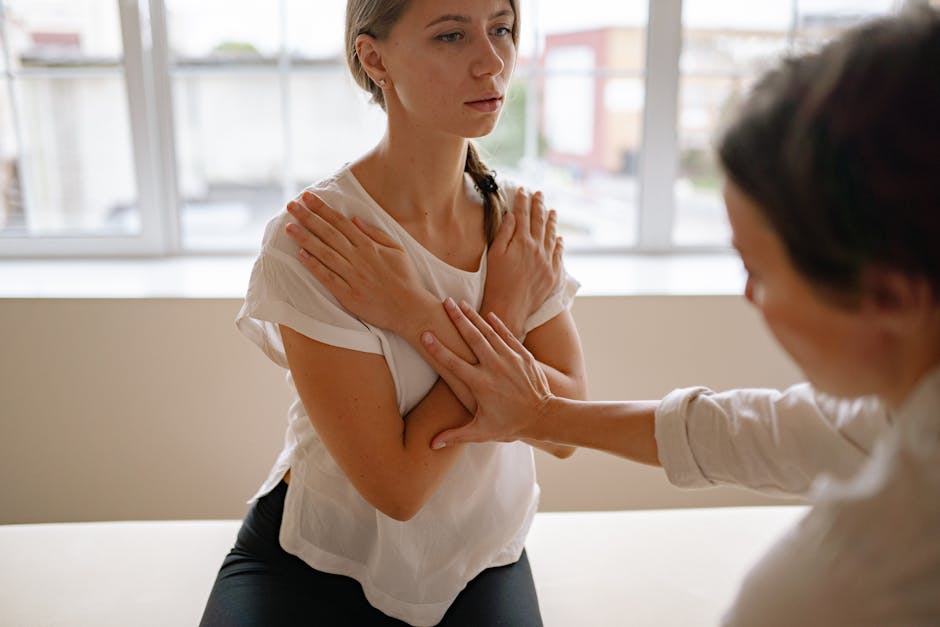
In a world where smartphones are glued to our hands—whether while catching the LIRR to Manhattan, chatting with friends at the Mineola Diner, or coordinating kids’ schedules after school—thumb pain from constant texting and scrolling is a growing concern. “Texting thumb,” technically known as De Quervain’s tenosynovitis or simply tendonitis of the thumb, is no longer just a problem for teens and tech workers. It’s affecting busy adults, local students, and even retirees across Mineola, New York who rely on mobile devices every day.
If you’re feeling a persistent ache, sharp pain at the base of your thumb, or stiffness after sending too many texts, you’re not alone. Here are practical tips for managing texting thumb, including advice tailored to our active, tech-centric community here in Mineola.
What Is Texting Thumb and Why Is It Common in Mineola?
Texting thumb describes pain, inflammation, or injury around the tendons at the base of the thumb. The problem arises from repetitive micro-movements, often caused by:
- Typing on smartphones or tablets
- Playing mobile games during commutes
- Scrolling through social media
- Repetitive pinching or swiping actions
In vibrant neighborhoods like Mineola, constant connectivity is part of daily life. Whether responding to work emails between stops at the Mineola Station or updating your family group chat, these frequent hand movements can gradually strain the thumb’s tendons.
Early Signs of Texting Thumb
It’s important to recognize the warning signals before the pain becomes severe. Early symptoms include:
- Throbbing or aching at the thumb’s base
- Swelling or tenderness near the wrist
- Stiffness or difficulty gripping small objects (like your morning bagel at the local bakery)
- A “clicking” sound when you move your thumb
Ignoring these signals can lead to more serious problems, making it harder to perform everyday tasks around Mineola—from grocery shopping at local markets to holding a leash while walking your dog in Wilson Park.
Practical Tips for Daily Relief
1. Modify Your Phone Habits
- Switch Hands: Try alternating hands when texting or scrolling to spread the workload across both thumbs.
- Use Voice-to-Text: Many smartphones have reliable voice dictation features. Take advantage while running errands on Jericho Turnpike or walking between appointments.
- Shorten Messages: Keep texts brief, or call when you need to share more detailed info.
2. Optimize Your Device Settings
- Increase Font Size: Larger fonts mean less scrolling and typing.
- Use a Stylus: For students at Mineola High or anyone reading long emails, a stylus can minimize thumb use.
- Consider Keyboard Layout Apps: Some third-party apps allow easier keyboard customization, making thumb movement more comfortable.
3. Stretch and Strengthen Your Hand Muscles
After a long session of texting while waiting for your sandwich at a local deli, try these simple stretches:
- Thumb Extension: Gently pull your thumb away from your palm with your other hand and hold for 15 seconds. Repeat 3 times per hand.
- Tendon Glide: Place fingers and thumb straight, then move your thumb across your palm toward the base of your pinky, holding the stretch briefly.
- Fist Flex: Make a loose fist, then open your hand wide, spreading fingers and thumb apart.
Regular stretching, even for a few minutes a day while relaxing on your porch in Mineola, can promote flexibility and reduce stiffness.
4. Apply Ice and Rest
For acute pain, follow the RICE method:
- Rest: Take a short break from texting.
- Ice: Apply a cold pack to the base of your thumb (10–15 minutes at a time).
- Compression: Special thumb or wrist braces can be found at many local Mineola drugstores.
- Elevation: When relaxing at home, keep your hand elevated to decrease swelling.
These steps can provide immediate relief and prevent further injury.
5. Ergonomics in Everyday Life
- Hold Your Phone Differently: Try to avoid “cradling” the phone in your palm and pressing with the thumb. Rest your phone on a table or flat surface when possible.
- Use Both Hands: When sending longer texts at your desk or in a coffee shop near Mineola Boulevard, use both thumbs to type instead of relying on just one.
- Limit Gaming Sessions: For mobile gamers, remember to take breaks after every match or level.
When to Seek Professional Help in Mineola
If your symptoms last more than a week—even after trying these tips—or if pain is interfering with daily activities like shopping, driving, or carrying groceries, it’s time to consult a healthcare provider. Severe or persistent cases may require:
- Prescription anti-inflammatories
- Occupational or physical therapy
- Corticosteroid injections (in advanced cases)
- A personalized recovery plan from a Mineola-based chiropractor or physiotherapist
Staying Connected, Staying Healthy
Living in Mineola means balancing small-town charm and big-city connectivity. Protecting your hands is essential for everything from texting neighbors about a local event to typing up school assignments. The good news? With a little mindfulness, simple adjustments, and regular care, you can manage and even prevent texting thumb—so you can keep up with everything this wonderful community has to offer.
Be sure to share these practical tips with friends, neighbors, and family members. Consider making device-free time part of your day, whether taking a scenic walk through Mineola Memorial Park or enjoying a phone-free dinner at a favorite local restaurant.
If you need further guidance, local chiropractors in Mineola are ready to help you maintain healthy, pain-free hands—all while making the most of our digital world.